TabPFN Now Available on Databricks: Run Predictions on Unity Catalog Data

TL;DR
- Build where your data lives: minimal data movement, full Unity Catalog governance
- Handle warehouse data as-is: no feature engineering, zero time on preprocessing
- Use your existing pipelines: batch via Jobs/Workflows, real-time via Inference endpoints
- Deploy updates in minutes, not weeks: no traditional retraining cycles
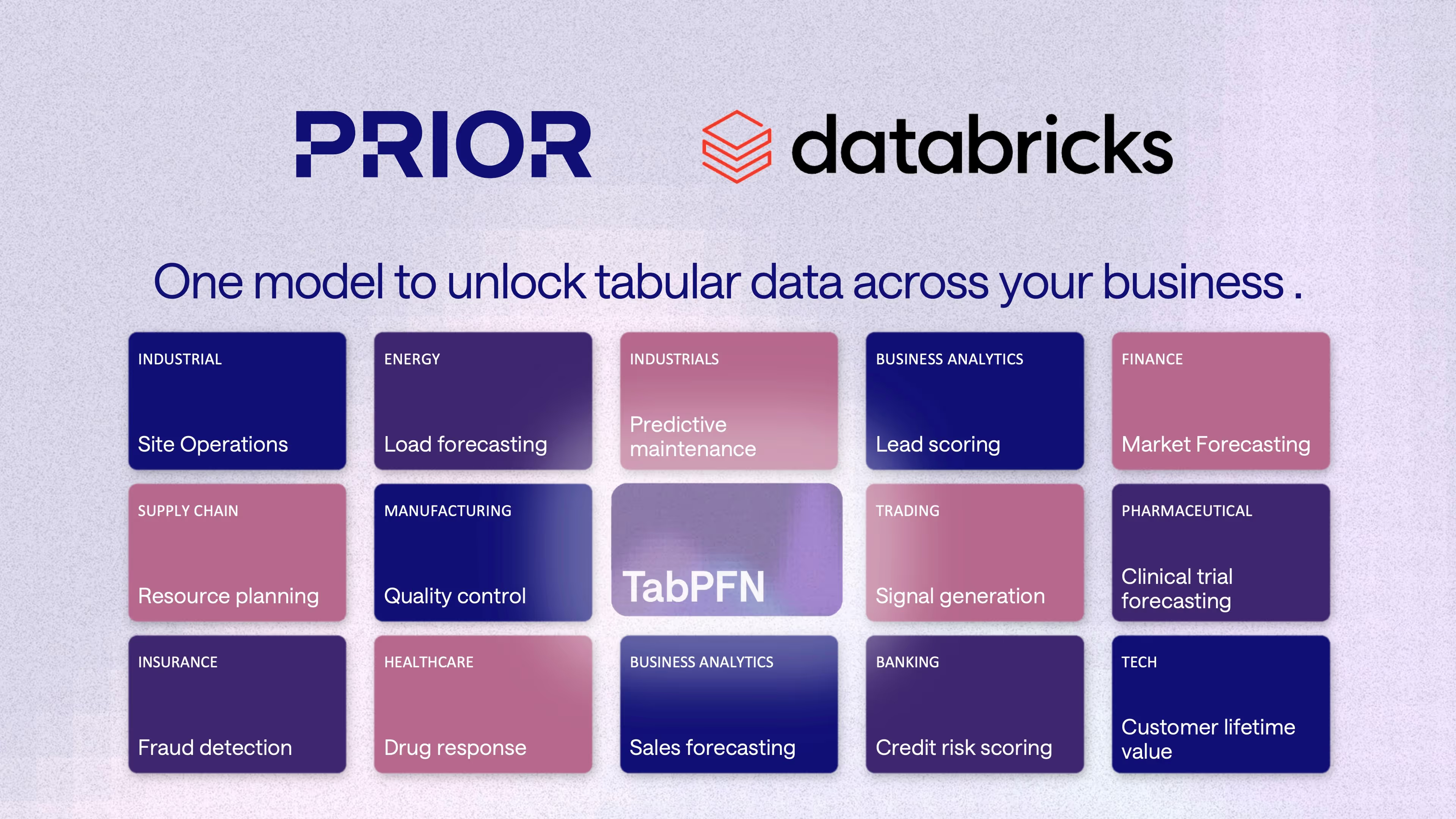
Traditional machine learning requires building and training unique models for each prediction task, often taking weeks of feature engineering, model selection, and hyperparameter tuning. TabPFN is a pre-trained foundation model for structured data that delivers production-grade predictions without per-task training or tuning.
For teams running production ML on Databricks, this means generating predictions directly from Lakehouse tables without the development overhead of traditional approaches.
How It Works
TabPFN runs within your Databricks workspace and connects directly to Unity Catalog–governed Delta tables.
- Unity Catalog integration: Your data stays in the Lakehouse with full governance and lineage tracking
- Zero preprocessing: Handles missing values, mixed data types, categorical features, and outliers automatically
- Existing workflows: Batch predictions via Jobs/Workflows, real-time via Inference endpoints, versioning via MLflow
- Instant updates: New data flows in, predictions update in minutes, no retraining required
What Databricks Says
"Production-grade predictions in a single forward pass — typically measured in seconds. Databricks enables TabPFN workflows directly alongside governed data, so teams can minimize data movement while maintaining controls."
— Dael Williamson, EMEA CTO, Databricks
TabPFN consistently outperforms traditional ML methods, improving the baseline by 10%-65% and speeding up data science workflows by 90%.
Read the full announcement on the Databricks blog
Get Started
- Databricks Cookbooks
- Docs
- Video Tutorial
- Any issue along the way? Our team is here to help at support@priorlabs.ai
Deploy TabPFN Where You Work
Databricks is one of several deployment options for TabPFN. Choose the platform where your data lives: explore all deployment options →
